

How to Get More Google Reviews for Home Service Pros
The fastest way to get more Google reviews is to ask every happy customer by text message the same day you finish the job, with a direct link to your review page. Asking in person first makes a yes much more likely.
That is the whole trick. The rest of this post shows you how to do it without feeling pushy, the exact words to send, and how to make it run automatically so you never have to think about it.
Why do Google reviews matter so much for home service businesses?
When someone's AC dies or their water heater leaks, they search Google and call one of the first companies they see. Google picks those top map spots partly based on reviews: how many you have, your score, and how recent they are.
Reviews also do the selling before you ever pick up the phone. A company with 80 reviews and a 4.8 score looks like the safe choice. A company with 6 reviews looks like a gamble, even if its work is better. Fair or not, that is how people choose.
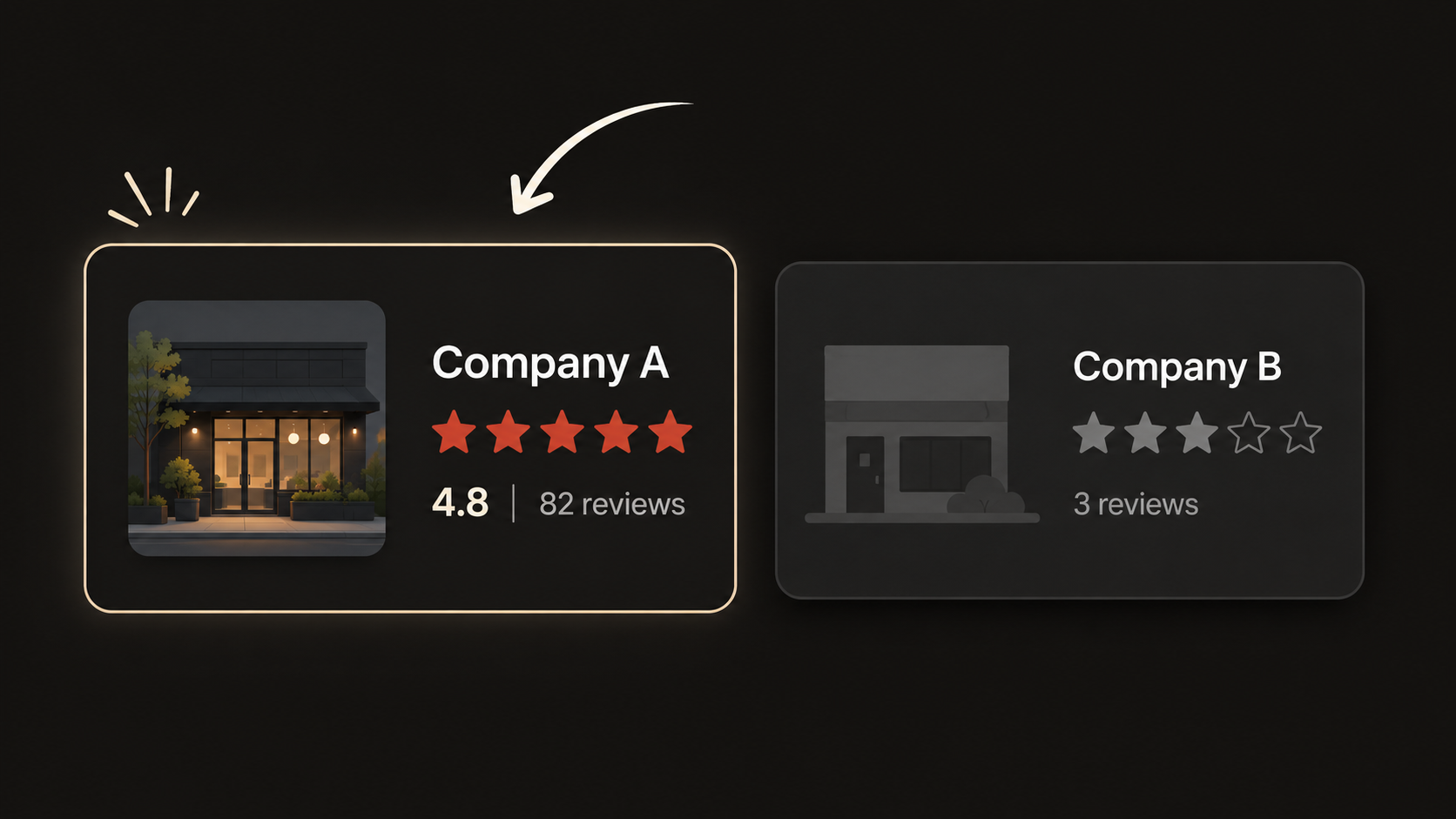
And reviews are one of the few marketing assets you own forever. Ads stop working the day you stop paying. Reviews keep working for free, every single day.
When is the best time to ask for a review?
The same day you finish the job. Within the hour is even better.
Right after the job is done, the problem is gone and the relief is real. That is when a review ask feels natural. Wait a week and the moment has passed, and so has most of your chance.
The two-step ask works best:
In person, as you wrap up: "If you're happy with how this turned out, a Google review would really help our small business. I'll text you the link so it only takes a minute."
Then the text, within the hour. Now the message is expected, personal, and easy to act on.
What should the message say?
Steal this text word for word:
"Hi [first name], this is [your name] from [company]. Thanks for letting us take care of your [job type] today. If you were happy with the work, would you leave us a quick Google review? It takes about a minute and it helps us a ton: [your review link]"
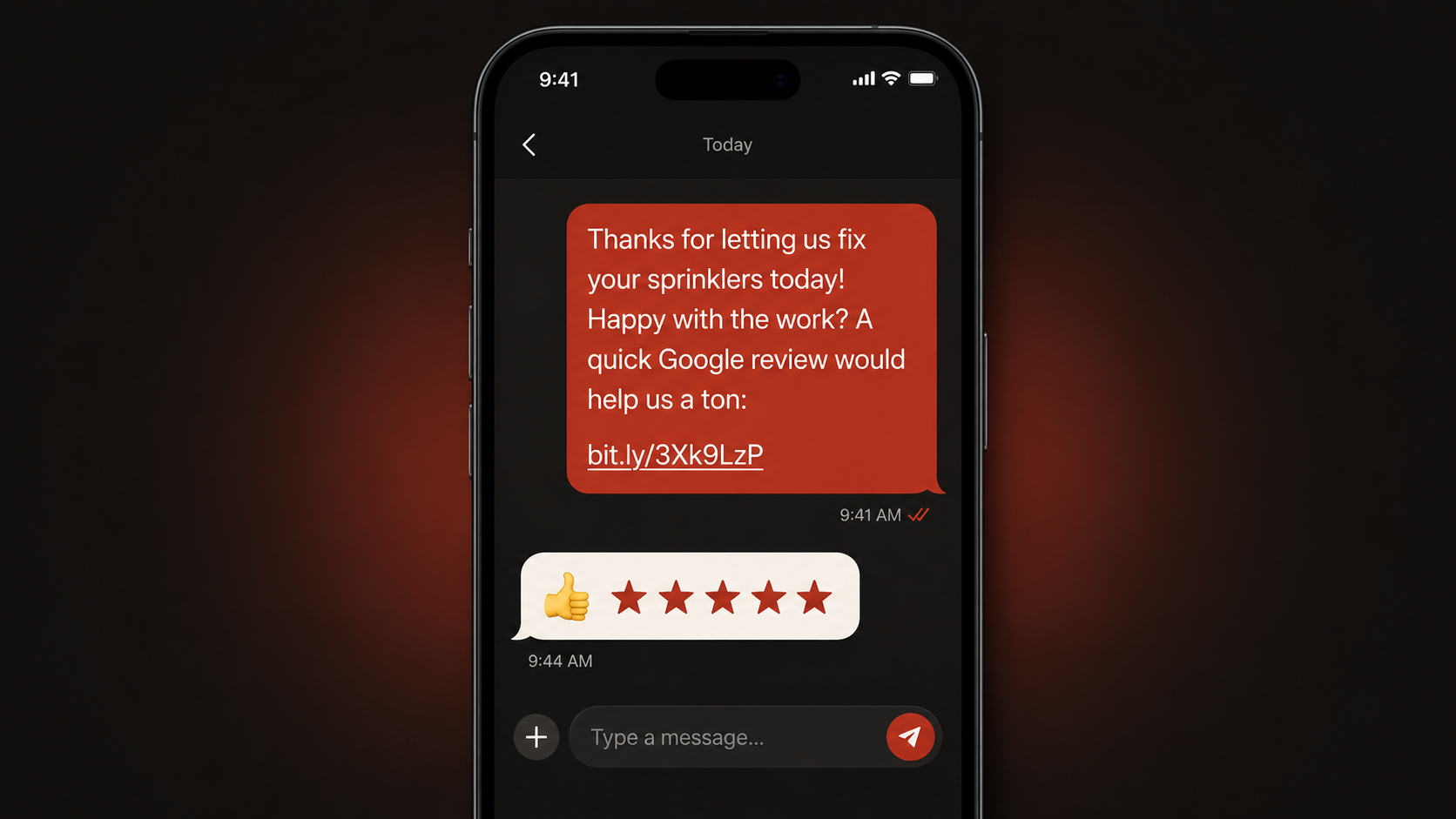
Four rules for the ask:
Keep it short. One message, one link.
Send it from a real person's name, not a company blast.
Ask everyone. You cannot pick who leaves a review, so build the habit of asking every customer.
Never offer money or discounts for reviews. It breaks Google's rules and can get your reviews removed.
For customers who do not text, send the same ask by email with the same link. Most service businesses see far more responses from the text.
How do you make leaving a review easy?
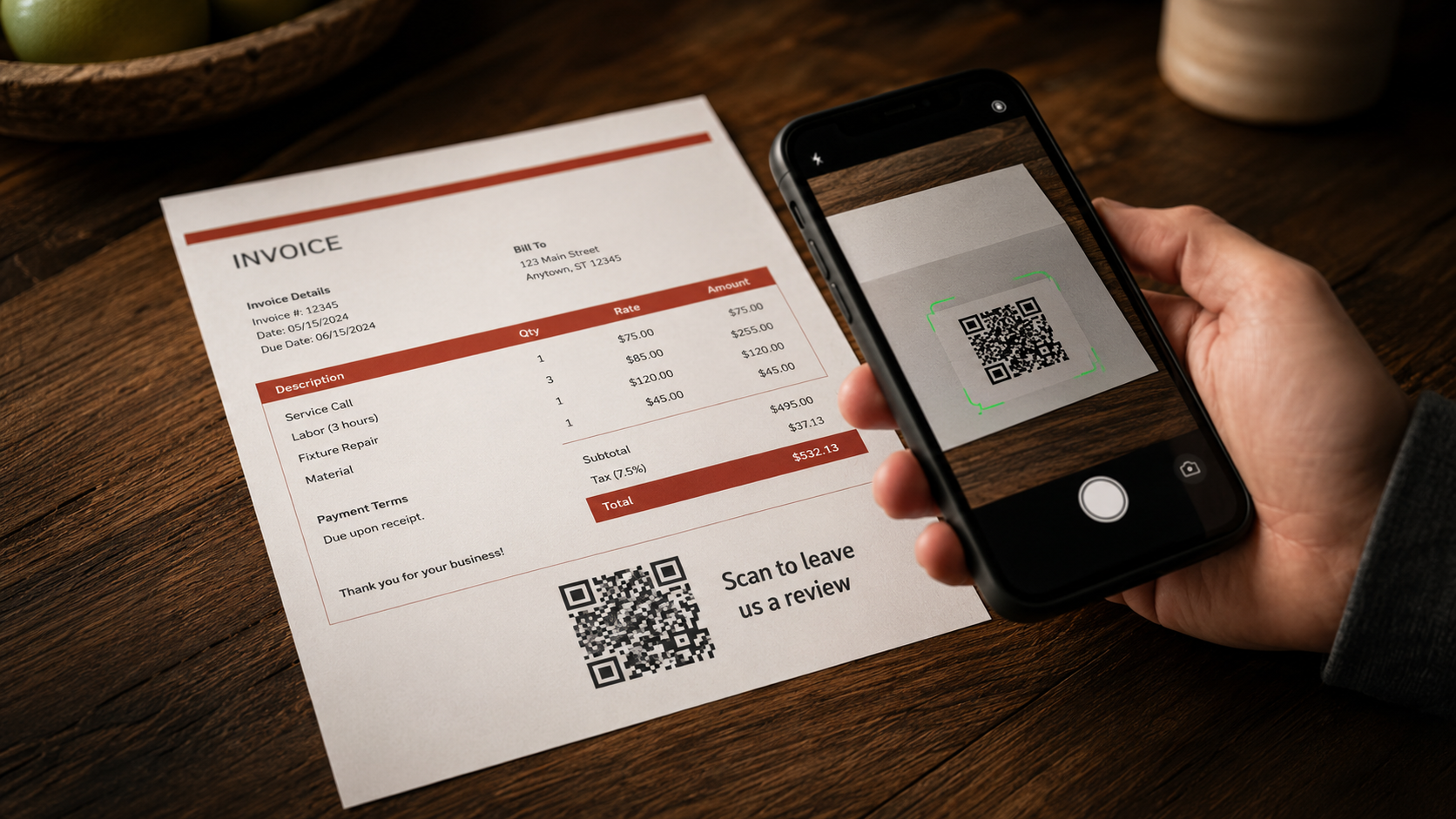
Every extra step loses people. Make it one tap:
Use your direct review link. In your Google Business Profile dashboard, the "Ask for reviews" option gives you a short link that opens the review box directly. That is the link that goes in every text.
Put a QR code on your invoice. Point it at the same link. Some customers will scan it at the kitchen table before you even leave the driveway.
Never make them search for you. If they have to find your listing and hunt for the review button, half of them give up.
How do you automate review requests?
Asking by hand works until you get busy. Then it becomes the thing nobody remembers to do. The fix is simple: when a job gets marked done in your CRM, the review text goes out by itself. Same message, same timing, every customer, zero memory required.
That is one of the first automations we build for clients in our Go High Level CRM setups, and it pairs naturally with the rest of your text and email follow-up. Set it up once and your review count grows on autopilot.
One more rule: reply to every review, good and bad. Your replies are read by future customers deciding whether to call you. A short thank-you on every good review shows you pay attention.
What about bad reviews?
You will get one eventually. Everyone does. Do not panic, and do not argue.
Reply calmly, own whatever went wrong, and offer to make it right. You are not writing to the angry customer. You are writing to the hundreds of future customers who will read that exchange. A 4.8 rating with a calm, helpful owner reply under the one bad review is more convincing than a perfect 5.0, because it looks real.
Turn those reviews into booked jobs
More reviews bring more calls. Want to see what those extra calls are worth in real dollars? Run your numbers through our free ROI calculator. It takes about 30 seconds, and it shows you the revenue math for your specific business.